
Remote work has become the norm for many, offering flexibility and convenience. However, it also introduces unique cybersecurity challenges. Without the safeguards of office networks, remote workers are more vulnerable to cyberattacks, data breaches, and phishing scams.
This article outlines essential cybersecurity tips to help remote workers protect their data, devices, and online activities, ensuring a safer and more secure remote work environment.
Use a Secure Internet Connection
Working from home often means relying on personal Wi-Fi networks, which may lack the robust security of corporate setups. Secure your connection by enabling WPA3 encryption on your router, creating a strong password, and regularly updating firmware. Avoid public Wi-Fi unless using a Virtual Private Network (VPN) to encrypt your internet traffic.

Implement Strong Passwords and Two-Factor Authentication
Use complex, unique passwords for all work accounts, and update them periodically. A password manager can help generate and securely store these passwords. Enabling two-factor authentication (2FA) adds an extra layer of security, requiring a secondary verification step like a text message code or authentication app.
Keep Software and Devices Updated
Outdated software often contains vulnerabilities that cybercriminals exploit. Regularly update your operating system, applications, and antivirus software to ensure you have the latest security patches. Enable automatic updates to minimize the risk of missing critical updates.
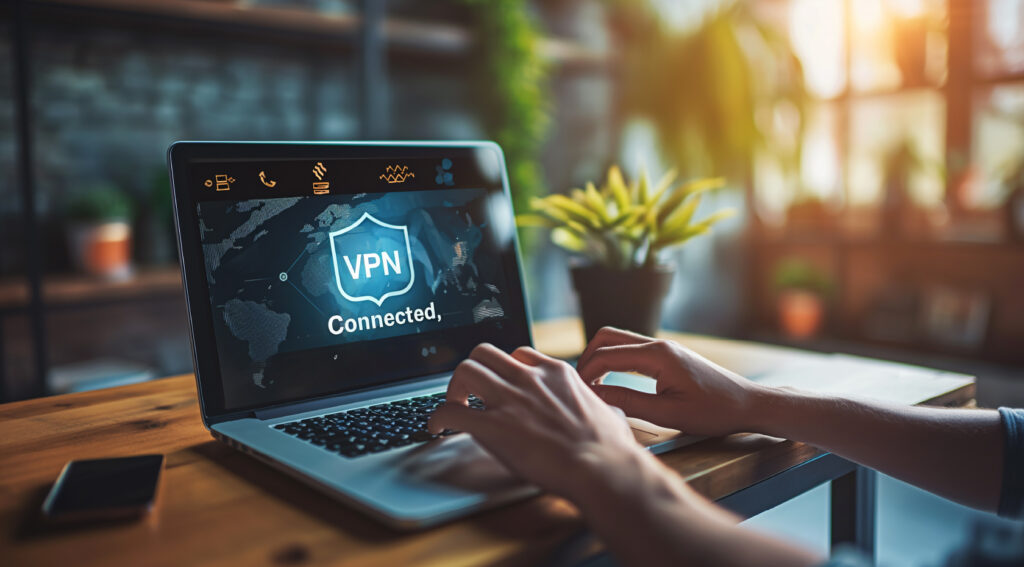
Use a VPN for Work Connections
A VPN encrypts your internet traffic, protecting sensitive data from interception, especially when accessing company resources. Many organizations provide corporate VPNs, but if not, consider investing in a reputable service.
Beware of Phishing Scams
Phishing scams are a common tactic used to target remote workers. Be cautious of unsolicited emails or messages asking for sensitive information, and avoid clicking on links or downloading attachments from unknown sources. Verify requests through official channels before taking any action.
Find out how to recognize and avoid phishing scams from the Federal Trade Commission (FTC).
Secure Work Devices
Ensure all work devices, including laptops, tablets, and smartphones, are secured with passwords or biometric locks. Use device encryption to protect stored data, and avoid using personal devices for work unless explicitly permitted by your employer.
Avoid Sharing Work Accounts and Devices
Limit access to work accounts and devices to yourself. Sharing these with family members or friends can inadvertently expose sensitive information or lead to accidental security breaches.
Back Up Critical Data
Regularly back up important files to secure locations, such as encrypted external drives or cloud storage. This ensures that you can recover data quickly in case of a ransomware attack or hardware failure.
Monitor and Log Out of Accounts
Always log out of work accounts when not in use, especially on shared devices. Monitor your account activity for any suspicious logins or changes, and report anomalies to your IT department immediately.
Stay Educated on Cybersecurity
Cybersecurity is an ever-evolving field. Stay informed about the latest threats and best practices by attending company-provided training sessions, webinars, or reading credible resources. A proactive approach can help you identify and prevent potential risks.
Foster a Secure Work Environment
Set up a dedicated workspace that minimizes distractions and ensures privacy during work. Use physical security measures, such as locking your devices when away from your desk and keeping sensitive documents out of view.
Prioritize Security in Remote Work
Cybersecurity is a shared responsibility, and remote workers play a critical role in protecting sensitive data and systems. By using secure connections, enabling 2FA, and staying vigilant against phishing scams, you can create a safer work environment, no matter where you’re located. Take the time to implement these best practices and ensure your remote work experience remains secure.